Pillar 03 // Manage // Managed IT
Technology that is looked after, not left to one person.
We run and improve the everyday environment your team depends on: the devices, accounts, cloud services and applications, looked after consistently and scoped to your business.
The problem
IT that depends on one person, or on a mate.
In many businesses technology grew by accident: devices bought as needed, accounts shared, backups nobody has tested, and one person who knows how it all fits together. It works until that person is away, or the business grows.
Signs it is time
- 01IT has no clear owner, or it is one person's side job
- 02Devices and software are set up differently for each person
- 03Nobody has checked that a backup can actually be restored
- 04Starters are set up ad hoc and leavers are closed out when someone remembers
- 05Renewals and replacements arrive as a surprise
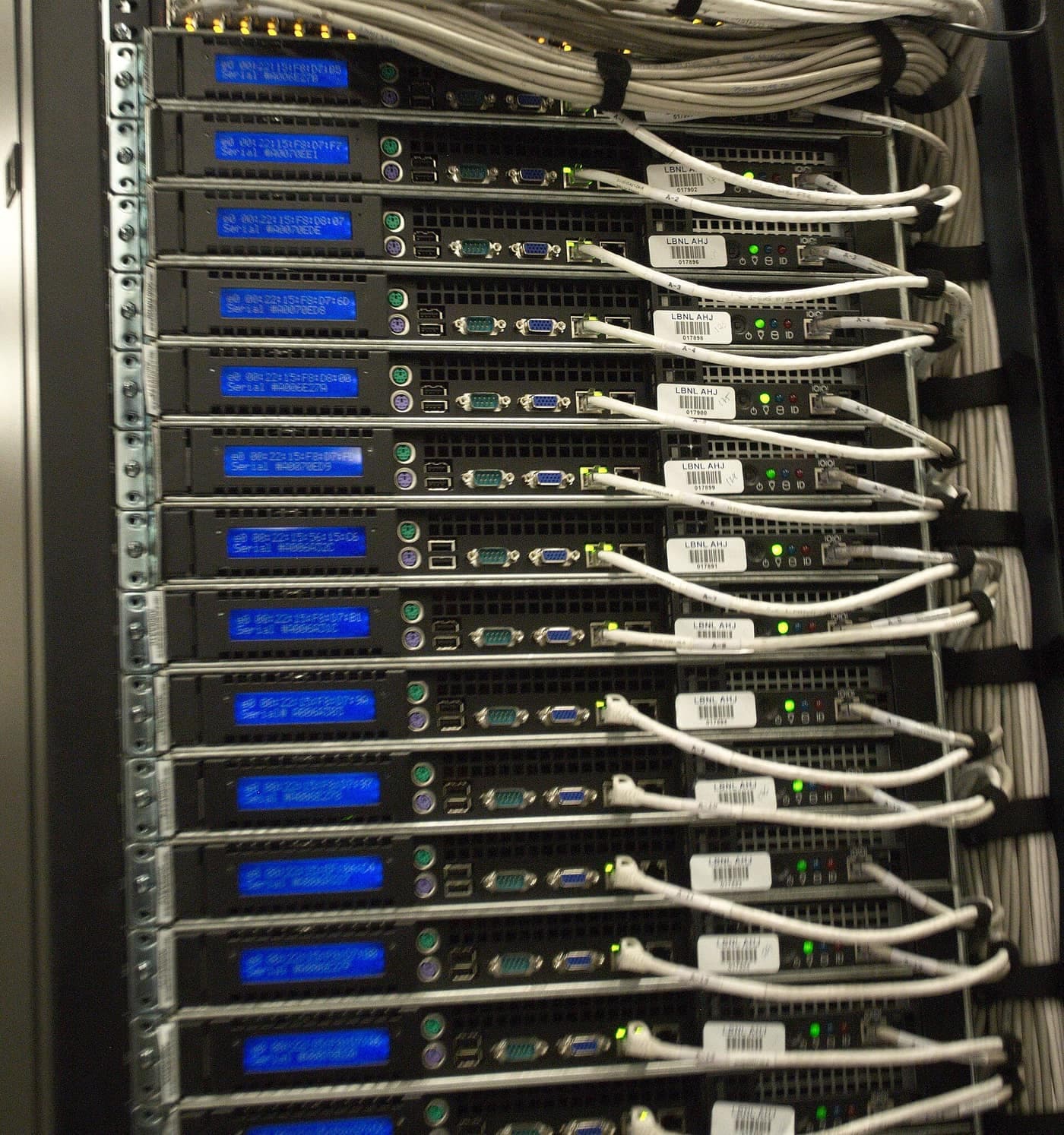
Fig 04 // Managed IT
Outcomes
What changes for the business
01 // What changes for the business
- Devices, accounts and applications looked after consistently
- New starters set up, and leavers closed out, the same way every time
- Updates, backups and upkeep planned instead of ad hoc
- A clear owner when something needs attention
- A practical view of what to fix, replace or retire next
- Technology decisions made with a plan behind them

Method
How the work runs
- DiscoverTake stock of what is in use: devices, accounts, applications, backups, and who looks after what today.
- DesignAgree what we will look after, what stays with you, and the standards the environment will be brought to.
- ImplementBring devices and accounts to the standard, set up updates and backups, and document how the environment fits together.
- OptimiseReview regularly, fix recurring problems at the source, and plan replacements and changes ahead of time.
Scoped to your business
Managed IT is agreed per business. Before work starts we set out what is covered, how work is requested, and what is not included.
Core capabilities
What is covered
Endpoint Management
endpoints · patching
Laptops, desktops and phones set up to a standard and kept up to date.
Technical detail
Endpoint management and configuration baselines, update and patch policy, disk encryption, and the device lifecycle from purchase to retirement.
Cloud Workplace Management
email · collaboration
The cloud services your team works in every day, set up properly and kept tidy.
Technical detail
Administration of the email, file and collaboration platforms in use: tenant and licence management, sharing settings, mail protection, and separation of administrator roles.
Backup & Recovery
restore testing
Backups that have been checked, and a plan for what happens when something is lost.
Technical detail
Backup scope and retention, regular restore testing, recovery targets agreed with the business, and protecting backups from the accounts they protect.
User Onboarding & Offboarding
joiner · leaver
People set up quickly, and their access and devices dealt with when they leave.
Technical detail
Joiner and leaver runbooks, account and device provisioning, mailbox and data handover, and licence reclaim.
Monitoring & Maintenance
alerting
Keeping an eye on what matters, so problems are found before people notice them.
Technical detail
Health and security alerting where it is in scope, update-compliance reporting, and tracking of capacity and renewals.
IT Planning & Lifecycle
lifecycle · renewals
A plan for what to replace, retire or improve next, and roughly when.
Technical detail
An asset and renewal register, lifecycle planning, and a cost and risk view of upcoming decisions.
Related work
Also within this pillar.
Keep everyday technology running consistently, and improve it over time.
- Describe what you need
Something related, not listed?
These lists are representative, not exhaustive. If your need sits close to this area, describe it and we will tell you plainly whether it is work we do.
Engagement
Ways to work together.
- Advisory
- Design and engineering
- Implementation and integration
- Ongoing support
- Review and optimisation
The identity thread
How this connects to identity and security
Onboarding, offboarding and device access are identity events. Handling them as part of one access model, and not as separate checklists, is what stops access drifting.

Questions
Is this a helpdesk?
Support for the people using the environment can be part of a managed engagement, but what is covered and how requests are made is agreed in the scope. We do not describe a support service on this site that has not been scoped with you.
Do you replace our in-house IT person?
Not necessarily. Many businesses have one person carrying too much. We can work alongside them, take on the parts that are hard to cover, and make sure what they know is written down.
Can we start with an assessment?
Yes. Discover is the first step of every engagement: take stock, agree what matters, and decide together what, if anything, to take on.
Are there fixed packages or prices?
Not published here. Scope, and therefore cost, depends on the business. We would rather agree it with you than quote from a table.
Related pillars
- 01
AI & Automation
Repetitive operational work is often the first thing worth automating.
- 02
Identity & Cybersecurity
Access is the thread through onboarding, offboarding and every device and application.
- 04
Digital Transformation
Cloud and workplace modernisation is where a managed environment usually changes shape.

Start with the problem.
Tell us what is getting in the way, and we will take it from there.