
AI · Identity · Managed IT · Transformation
Turn complexity into momentum.Secure identity. Connect systems. Automate what matters.
AI and automation, identity and cybersecurity, managed IT and digital transformation, delivered as one environment.
- 04Capability pillarsAI & Automation leads
- 05Engagement modesAdvisory to ongoing support
- 12Diagnostic statementsPrivate, in your browser
- 04Method stepsDiscover to Optimise
Services
The whole environment, not just one part of it.
Identity and cybersecurity anchor the work. Around that anchor we build the platforms, run the everyday environment and automate the routine, as one partner.
Capabilities // 01—04
Capability 01 // Automate
AI & Automation
AI designed around your business.

From a first assistant to a team of AI employees: designed, connected, governed and run.
Typical starting points
- An AI employee handling routine admin requests
- A website assistant answering customer questions
- The same information no longer typed into two systems
- An AI pilot turned into something the team uses every day
Also within this capability
The AI capability system
01AI EmployeesSoftware AI agents, not people
Digital AI workers that take on defined, repetitive tasks, like a team member with a clear job description.
What it can do
- Handle routine requests and admin
- Gather and prepare information
- Coordinate steps across systems
- Hand anything unusual to a person
Where it fits
Back-office admin, support queues, scheduling and follow-ups.
How HelptechX helps
We define the job, its limits and its owner, then build, connect and monitor the agent.
How it works (technical)Agent design with tool use, task boundaries, human-in-the-loop checkpoints, a separate least-privilege identity per agent, logging, and evaluation on your own examples.
02AI Assistants
Assistants that help your team find answers and get work done, using your own information.
What it can do
- Answer questions from internal knowledge
- Draft emails, summaries and documents
- Help new staff find their way
Where it fits
Internal knowledge, HR and IT questions, sales and operations teams.
How HelptechX helps
We connect the assistant to the right information, and only the right information.
How it works (technical)Retrieval over approved sources (RAG), permission-aware search, prompt and response guardrails, usage logging.
03AI Chat
Conversational AI on your website and channels, answering customers in plain language.
What it can do
- Answer common questions at any hour
- Qualify and route enquiries
- Collect details and hand over to a person
Where it fits
Website chat, customer enquiries, support.
How HelptechX helps
We design the conversation, ground it in your information and set when a person takes over.
How it works (technical)Website chat integration, grounding in approved content, escalation rules, conversation logging, content and privacy controls.
04Workflow Automation
Multi-step business processes that run on their own, with people where judgement matters.
What it can do
- Route approvals and requests
- Move information between steps
- Chase what is overdue
Where it fits
Approvals, onboarding, invoicing, internal requests.
How HelptechX helps
We map the process, remove the manual steps and keep a record of what ran.
How it works (technical)Workflow orchestration, approval routing, exception handling, retries, and an audit trail of what ran and who approved it.
05AI Integrations
AI connected to the websites, systems and tools you already use.
What it can do
- Add AI to your website
- Connect AI to business systems
- Trigger AI from existing workflows
Where it fits
Websites, business systems, existing platforms.
How HelptechX helps
We integrate through supported connections, so AI works inside your tools, not beside them.
How it works (technical)API and event-based integration, data mapping, service-to-service authentication, failure handling and monitoring.
06AI Architecture
A plan for how AI fits your wider technology: data, systems, access and security.
What it can do
- Decide where AI runs and what it can reach
- Fit AI into existing systems
- Avoid a sprawl of disconnected AI tools
Where it fits
Before AI grows beyond a single experiment.
How HelptechX helps
We design the AI solution architecture alongside your identity, security and systems.
How it works (technical)Solution architecture: model and hosting options, data flows, integration patterns, identity and secrets, cost and performance trade-offs.
07AI Governance
Practical controls that make AI safe to use: what it can see, what it can do, who is responsible.
What it can do
- Set access and data boundaries
- Keep a record of what AI did
- Keep people in charge of decisions that matter
Where it fits
Any business using AI with customer or business data.
How HelptechX helps
We set up responsible-AI controls, access, oversight and review, that fit how you already work.
How it works (technical)Least-privilege service identities, data boundaries, logging and review, approval for changes, an acceptable-use policy. Practical controls, not legal advice.
08AI Deployment
Moving from AI experiments to AI that is used every day.
What it can do
- Turn a pilot into a working service
- Roll out to teams in stages
- Review and improve after go-live
Where it fits
Businesses that have tried AI and want it to stick.
How HelptechX helps
We take a working idea into everyday use: connected, governed and supported.
How it works (technical)Environment setup, testing on real examples, staged roll-out, monitoring, support and change management.
Capability 02 // Secure
Identity & Cybersecurity
Identity first. Security all the way through.
- Identity
- Security
- Governance
- Resilience

Stage 01 // create
Join
Someone starts. Their identity is created and linked to their role.
{
  stage: join,
  trigger: hr.record.created,
  access: [role: finance-officer, apps: email, files, finance],
  mfa: required,
  decided_by: role policy
}
Stage 02 // update
Change
Someone changes role or team. Their identity is updated to match. This can happen many times.
{
  stage: change,
  trigger: hr.role.changed,
  added: [apps: reporting],
  removed: [apps: payroll],
  leftover_access: none
}
Stage 03 // grant
Access
They are given the access their role needs, and no more.
{
  stage: access,
  request: shared-drive: projects,
  approver: data owner,
  expires: end of project,
  recorded: yes
}
Stage 04 // policy
Govern
Roles and policies, not one-off requests, decide who can have what.
{
  stage: govern,
  rule: no one approves their own payments,
  check: on every request,
  admin_accounts: separate, time-limited
}
Stage 05 // certify
Review
Access is checked again from time to time: owners confirm what is still needed and what should go.
{
  stage: review,
  cycle: scheduled,
  reviewer: application owner,
  decisions: [keep, remove],
  evidence: exportable
}
Stage 06 // revoke
Remove
Someone leaves, or no longer needs something. The access is removed.
{
  stage: remove,
  trigger: hr.record.ended,
  accounts: disabled across connected apps,
  sessions: revoked,
  leftover_access: none
}
The right people have the right access, and you can show it.
Typical starting points
- Leavers lose access on the day they leave
- Evidence for an audit, insurer or customer security questionnaire
- An identity project that needs engineering capacity to finish
- Moving everyone to MFA without a flood of lock-outs
Also within this capability
Identity
01Identity Governance & Administration (IGA)
Accounts and access created, changed and removed as people join, move and leave, with requests and approvals that leave a record.
Technical detail: Identity Governance & Administration (IGA), on the Identity & Cybersecurity page
02Identity Governance
Setting the rules for who may hold which access, and making reviews a routine rather than a scramble before an audit.
Technical detail: Identity Governance, on the Identity & Cybersecurity page
03Identity Engineering
Designing how identities are created, connected and kept in step across the applications the business uses.
Technical detail: Identity Engineering, on the Identity & Cybersecurity page
04Access Management
One secure way in, and a second check that a stolen password cannot beat.
Technical detail: Access Management, on the Identity & Cybersecurity page
05Privileged Access Management (PAM)
Administrator and other high-impact accounts controlled: who can use them, when, and with a record of what was done.
Technical detail: Privileged Access Management (PAM), on the Identity & Cybersecurity page
Cybersecurity
06Cybersecurity Governance & Compliance
Security policies, risks and controls set out clearly, so the business can answer the questions customers, insurers and auditors ask.
Technical detail: Cybersecurity Governance & Compliance, on the Identity & Cybersecurity page
07Penetration Testing
Systems, applications and access tested under agreed rules, with findings ranked by risk and a plan to fix them.
Technical detail: Penetration Testing, on the Identity & Cybersecurity page
08Endpoint Security
The devices people work on are hardened, protected and kept up to date, and only trusted devices reach business data.
Technical detail: Endpoint Security, on the Identity & Cybersecurity page
Capability 03 // Manage
Managed IT
Technology, looked after.
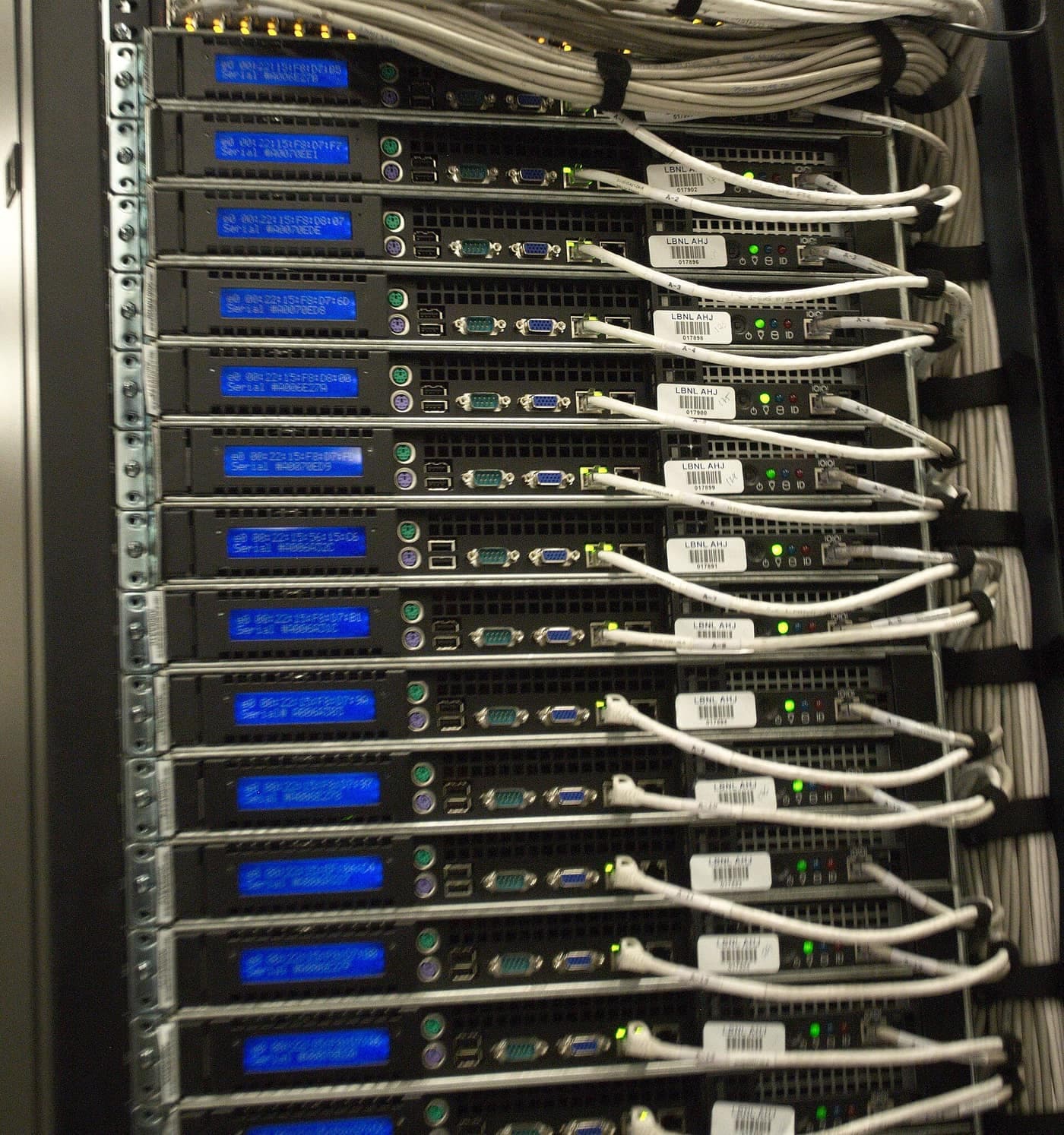
Technology that is looked after, not left to one person.
Typical starting points
- IT that depends on one person, or on a friend of the business
- Every new starter set up the same way, first time
- A clear list of what to fix, replace or retire next
Core capabilities
01Endpoint Management
Laptops, desktops and phones set up to a standard and kept up to date.
Technical detail: Endpoint Management, on the Managed IT page
02Cloud Workplace Management
The cloud services your team works in every day, set up properly and kept tidy.
Technical detail: Cloud Workplace Management, on the Managed IT page
03Backup & Recovery
Backups that have been checked, and a plan for what happens when something is lost.
04User Onboarding & Offboarding
People set up quickly, and their access and devices dealt with when they leave.
Technical detail: User Onboarding & Offboarding, on the Managed IT page
05Monitoring & Maintenance
Keeping an eye on what matters, so problems are found before people notice them.
Technical detail: Monitoring & Maintenance, on the Managed IT page
06IT Planning & Lifecycle
A plan for what to replace, retire or improve next, and roughly when.
Technical detail: IT Planning & Lifecycle, on the Managed IT page
Capability 04 // Build
Digital Transformation
Systems that connect and keep up.

Systems that connect, and keep up as the business changes.
Typical starting points
- Ageing systems that do not connect to each other
- A setup that grew without a plan
- Deciding what to modernise first
Also within this capability
Core capabilities
01Cloud Migration & Modernisation
Moving from ageing on-premises systems and unmanaged tools to cloud services that are set up properly.
Technical detail: Cloud Migration & Modernisation, on the Digital Transformation page
02Systems Integration
Systems that share the information they should.
Technical detail: Systems Integration, on the Digital Transformation page
03Web & Platform Development
Your website or platform, built and run inside the same environment as everything else.
Technical detail: Web & Platform Development, on the Digital Transformation page
04Hosting & Maintenance
Hosted, backed up and kept up to date by someone accountable.
Technical detail: Hosting & Maintenance, on the Digital Transformation page
05SEO & Analytics
Found by the right people, and measured in a way that respects them.
Technical detail: SEO & Analytics, on the Digital Transformation page
Every capability // Advisory · Design · Implementation · Support · Optimisation
Beyond the four pillarsFour pillars organise the work; related needs fit inside them.Describe what you need
Method steps // Discover to Optimise
- DiscoverWhat is in use, and what is in the way
- DesignThe approach agreed before anything is built
- ImplementConfigured, connected, migrated
- OptimiseReviewed, tightened, handed over
The identity thread
Security starts with knowing who has access to what.
As a business grows, access spreads. New starters wait for the tools they need, people keep access after they change role, and old accounts stay open. Nobody can say for certain who can reach what.
That is an identity problem before it is a security problem. Identity is the control plane for everything else the business runs: get who can access what right, and security, onboarding and day-to-day operations all get simpler.

Technology diagnostic
Not sure where to start?
Twelve statements, four areas, about two minutes. It shows where your answers point, and why.
- Stays in your browser
- No scores or invented numbers
- Ends with where to look first
- AI and repetitive workAI & AutomationNot started
- Access and securityIdentity & CybersecurityNot started
- Everyday ITManaged ITNot started
- Systems and platformsDigital TransformationNot started
Book a discovery call.
Tell us what is getting in the way. We will start from there.
What would you like to talk about?
- AI & Automation
- Identity & Cybersecurity
- Managed IT
- Digital Transformation
- Something else, or not sure yet
Or start from